Switching to a Gabbart Website
April 1, 2021
Filed Under:
GoogleNWEAOperationsTeaching & LearningLegalCommunicationsFrom the Director
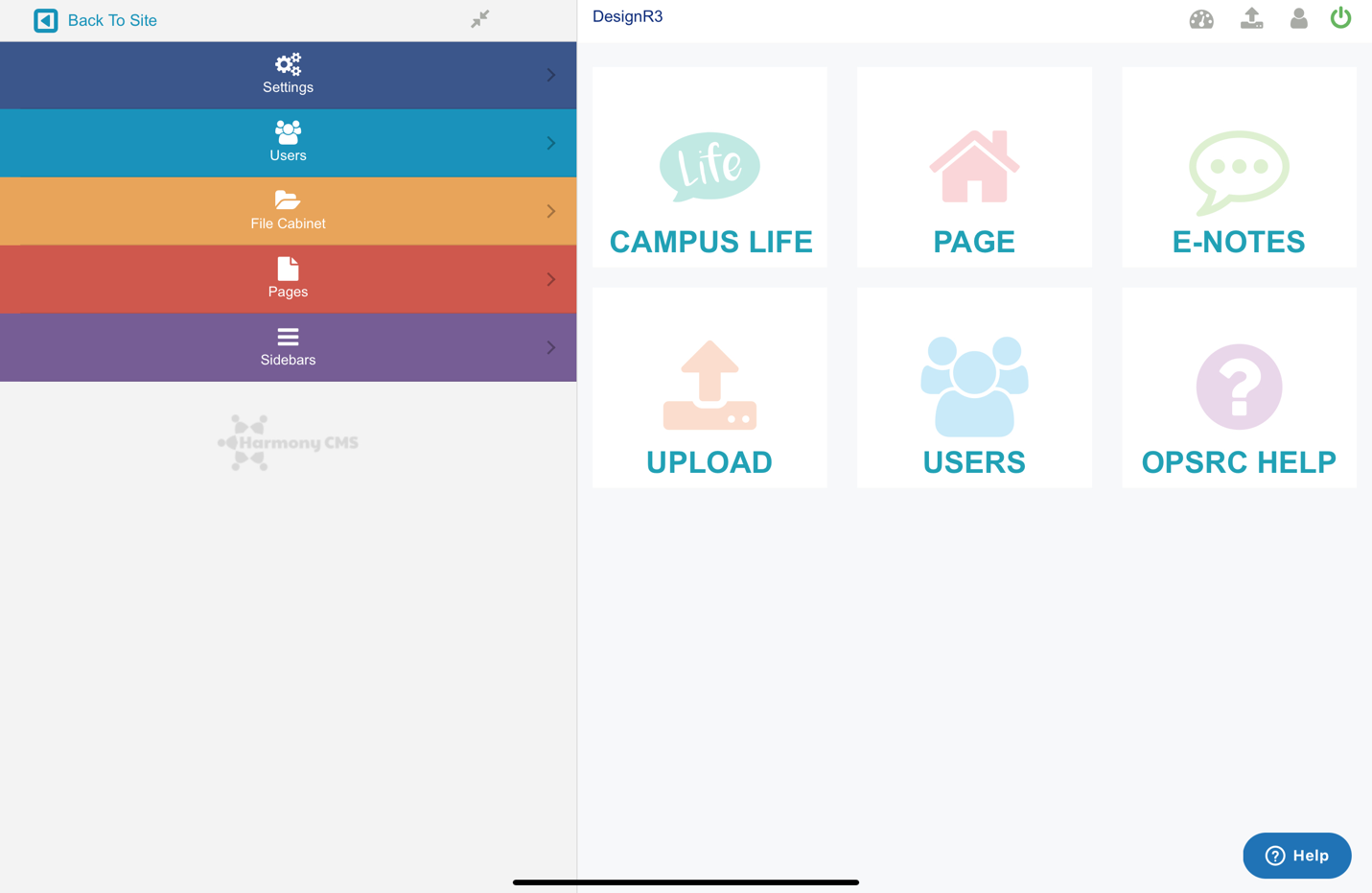
Before I made the transition to education technology and began working for the Oklahoma State Department of Education and OPSRC, I spent a decade as a web developer. I know the ins and outs of creating websites.
When I started with OPSRC, we were just finishing up the transition to Edlio websites. Edlio has a nice website product designed for education, and the company provided an amazingly low price for our members. Unfortunately, that price was too low for Edlio, and they chose to raise prices after our contract expired. That gave us an opportunity to shop around and compare products and prices to get the best deal possible for members. Through this research, we were able to partner with Gabbart Communications.
Now that I have had an opportunity to explore Gabbart’s websites and tinker with a demo website, I know that we made a great move in the right direction for our members. Gabbart’s websites have the same features as Edlio websites but provide more flexibility.
Just like Edlio, you can maintain your website without knowing how to code HTML or CSS. However, if you do know how to code, you can view the source code on many of your pages and tweak the HTML as needed. This is a great additional feature for those who know how or want to learn.
With Edlio, a school does not have the ability to change the main navigation on the website; a support ticket has to be created. With Gabbart, you can quickly add a new section when needed. You also have the ability to hide any tab or web page as needed. If you have a web page or section that you only want visible for a certain period, you simply click an “eye” icon for a section or a page to toggle it on or off.
One of the more powerful features that has a bit of a learning curve is the page stack. The home page on each website is actually a page stack. This feature allows you to add many different sections. But this feature is not limited to the home page. You can create as many page stacks as you desire across your site.
Like our offer with Edlio, you have additional mass notification options you can add on for a fee. Gabbart's E-Notes is available in two versions: E-Notes Pro includes unlimited email & SMS text messaging. E-Notes Voice includes unlimited email, text, and calls (robo & voice recordings). The E-Notes platform delivers text at 6,000 per minute and calls at 3,000 per minute. If you would like a mobile app, the SchoolDoor application is also available for parents and other community members.
If you want to learn more about our Gabbart website offering, Gabbart has a web page with details: www.gabbart.com/opsrc. Gabbart has also created a website calculator that will display your cost for a site so you know the overall cost: www.gabbart.com/opsrccc.
Questions? Contact us at webteam@opsrc.net or by chatting with us at www.opsrc.net/webhelp.





.png)
A list of scholarships, contests, grants, events and other important opportunities for educators and students.
How are you preparing your school budget to address the downturn in Oklahoma's finances?

Join in on the conversation